
Your user ID as eight little-endian bytes, base64-encoded, with a Copy button.
Live
Free web tool
For Chiaki and other Remote Play clients
Find your PSN Account ID.
Remote Play clients like Chiaki ask for your PlayStation Network Account ID — a base64 value, not your online name. Sign in with Sony, paste back one address, and the finder shows your Account ID ready to copy.
Two steps
Free
No sign-up
Password stays with Sony
No account data kept
Your password stays with Sony.The sign-in button opens Sony's own login page. The finder only sees the address you paste back.
One code, used once.That address carries a single-use code. It's traded for a short-lived token, read once, then discarded.
Your account data isn't saved.No database, no account, no log of codes, tokens or IDs. Reload the result page and it's gone.
What it is
The ID Chiaki asks for, without the script.
Your Account ID is not your online name. It's your numeric PSN user ID, packed into eight bytes (little-endian) and written in base64 — the value Chiaki's console registration screen expects.
Chiaki's source includes a Python script, psn-account-id.py, that works this out in a terminal. The finder is a PHP port of that script that you use from a web page, so there's nothing to install.
Shown underneath, with its own Copy button.
So you can confirm which account you signed in with before you copy anything.
How to use it
Sign in, copy, paste, done.
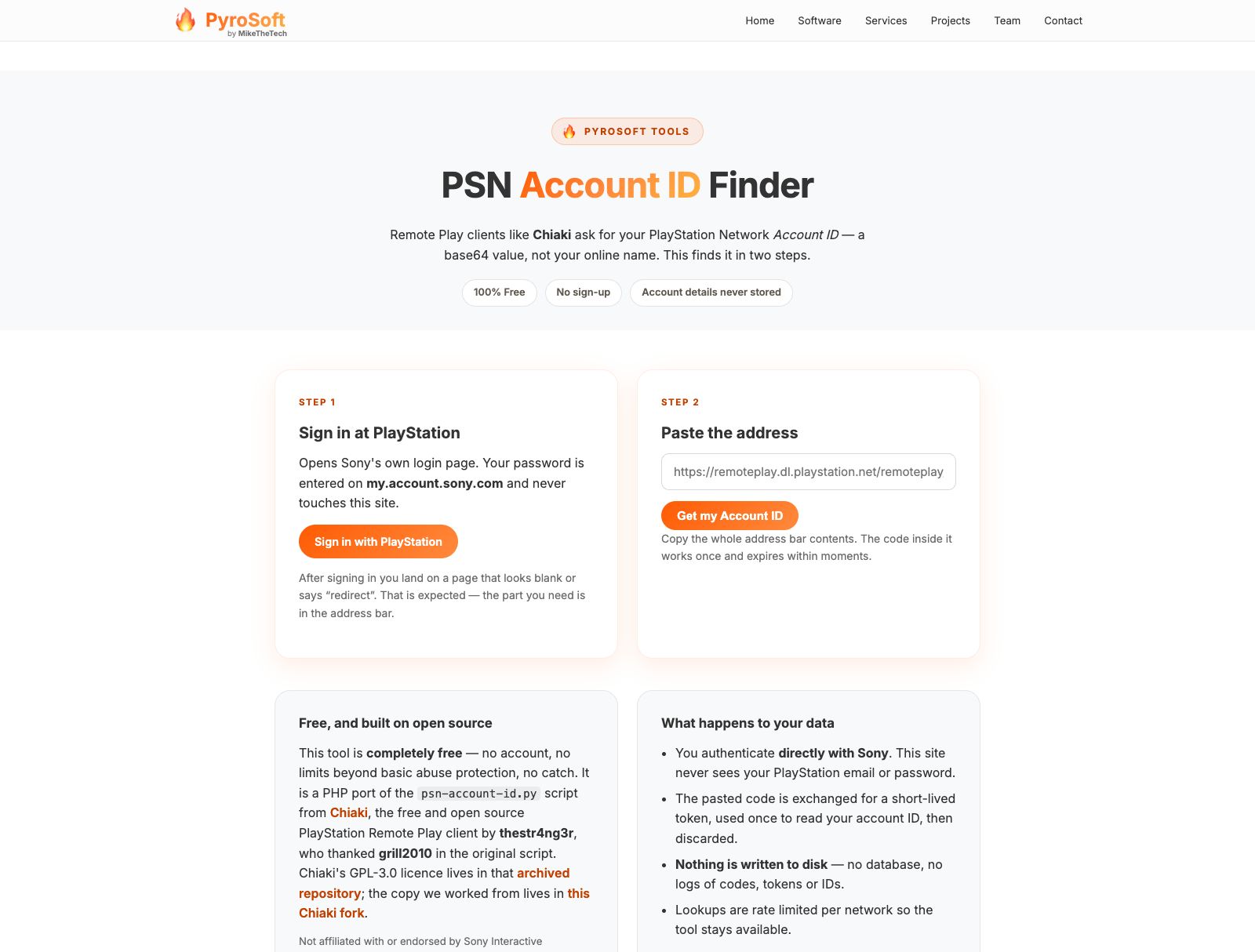
The finder needs one thing from you: the address Sony sends you to after you sign in. This is the whole flow.
Sign in at PlayStation
Open the finder and press Sign in with PlayStation. Sony's login page opens in a new tab, and your password goes there, not here.
Copy the address
You land on a page that looks blank or says “redirect”. That's expected: copy the whole address bar.
Paste it back
Paste it into step 2 and press Get my Account ID. Be quick: the code inside works once and expires within moments.
Copy your ID
Copy the Account ID and paste it into Chiaki's console registration screen.
When a code doesn't work
Plain errors, with Sony's reason.
If PlayStation rejects a code, the finder passes on the reason Sony gives, for example that the code was already used or has expired, and asks you to sign in again for a fresh one.
You can paste the full redirect address or just the code on its own. If a pasted address has no code in it, the finder says so instead of failing quietly.
After ten attempts in an hour from the same network, it asks you to wait and try again later.
Privacy
What the finder keeps: close to nothing.
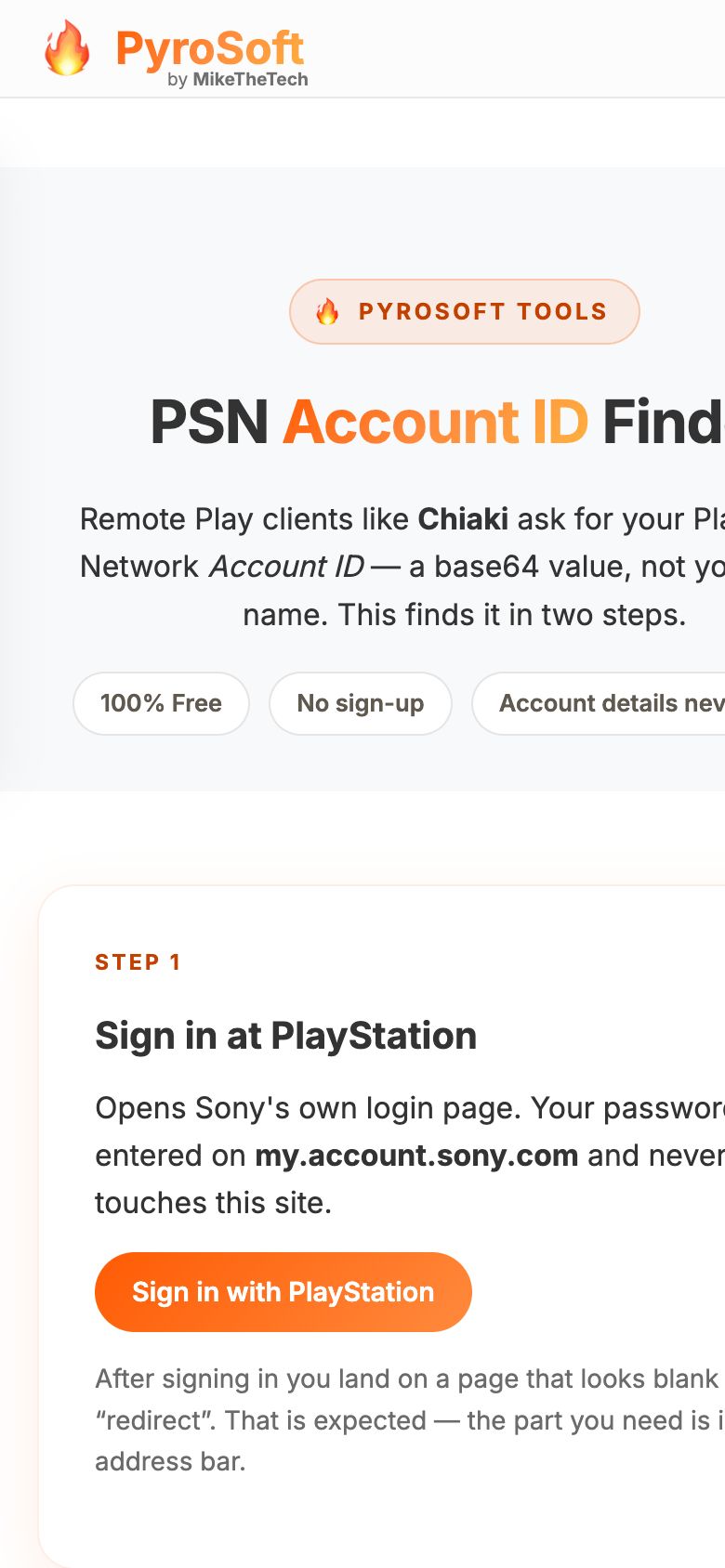
- You sign in on Sony's page. The finder never sees your PlayStation email or password.
- One request, then gone. The code you paste, the token it's exchanged for and the account details Sony returns stay in memory for that single request. They're never written to disk or to a log.
- No account, no cookies. There's nothing to sign up for, and the finder sets no cookies.
- The one thing it counts. To stop abuse, the finder allows ten lookups an hour per network. It keeps a hash of your IP address and the times of your recent attempts. Entries older than an hour are cleared on the next lookup.
The finder page uses the main pyrosoft.pro page template, which loads web fonts from Google Fonts and icons from cdnjs.cloudflare.com.
Questions
FAQ
What is a PSN Account ID?
It's the ID Remote Play clients such as Chiaki ask for when you register a console. It isn't your online name: it's your numeric PSN user ID, written as eight little-endian bytes in base64.
Does PyroSoft see my PlayStation password?
No. Sign in with PlayStation opens Sony's own login page in a new tab. The finder only receives the redirect address you paste back, which carries a single-use code.
The page I land on after signing in is blank. Did it break?
No. That page is expected to look empty or say “redirect”. What you need is in the address bar, so copy the whole thing and paste it into step 2.
It says PlayStation rejected that code.
Codes are single-use and expire quickly. Sign in again for a fresh one and paste it straight away. When Sony gives a reason, the finder shows it next to the message.
Can I paste just the code?
Yes. The finder accepts the full redirect address or the code on its own.
Can I look up someone else's Account ID?
No. There's no search by name. The finder reads the ID of whichever account signed in at Sony to create the code.
Is it really free?
Yes. There's no account and no sign-up. The only limit is basic abuse protection: ten lookups an hour per network.
Is this made by Sony?
No. PyroSoft is not affiliated with or endorsed by Sony Interactive Entertainment. The finder is a PHP port of the psn-account-id.py script from Chiaki, the free and open source PlayStation Remote Play client by thestr4ng3r, who thanked grill2010 in the original script. The script was added in 2019. Chiaki's GPL-3.0 licence lives in that archived repository; the finder was ported from this copy in a Chiaki fork.
Ready when you are
Get your Account ID.
Two steps, free, and your account details aren't saved. Keep Chiaki's console registration screen open and paste the result straight in.