Virtual monitors
Create virtual displays that behave like physical monitors in Windows.
Create virtual monitors in Windows that behave like physical displays. Perfect for headless servers, streaming, VR, screen recording, and advanced multi-monitor setups.
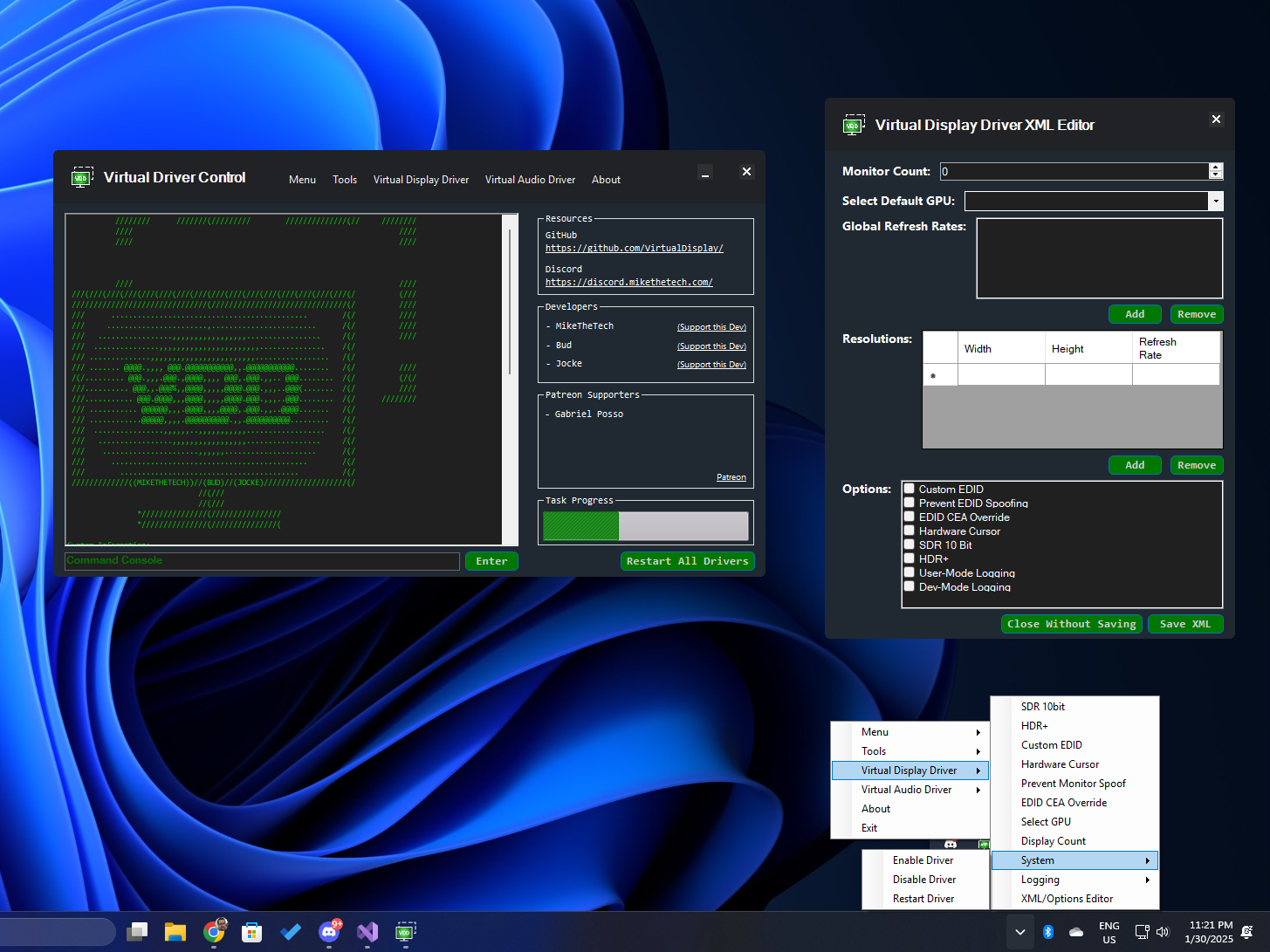
Unlike traditional monitors, virtual displays can support custom resolutions and refresh rates beyond physical hardware limitations. You can also use custom EDIDs to better match your target display environment.
Create virtual displays that behave like physical monitors in Windows.
Add custom resolutions and refresh rates for advanced setups.
Use custom EDIDs to emulate specific monitor capabilities.
HDR support is available for Windows 11 23H2+ (per repo notes).
Source is available under the MIT license.
Use Virtual Driver Control (VDC), plus wiki/community scripts for manual workflows.
vdd_settings.xml. See the wiki for details.
The wiki covers manual install/uninstall, personalization (EDIDs/resolutions), and advanced workflows.
The Virtual Display Driver is one part of the VirtualDrivers family: virtual displays and audio for Windows, a virtual display manager for Linux, and a control center for macOS on the way.
Virtual monitors with custom resolutions, refresh rates and EDIDs.
A virtual speaker and microphone for Windows 10/11.
One app to control and configure VirtualDrivers tools. Launch it and click Install to set up the display driver.