Ten presets, from 1280 × 720 up to 5120 × 1440.
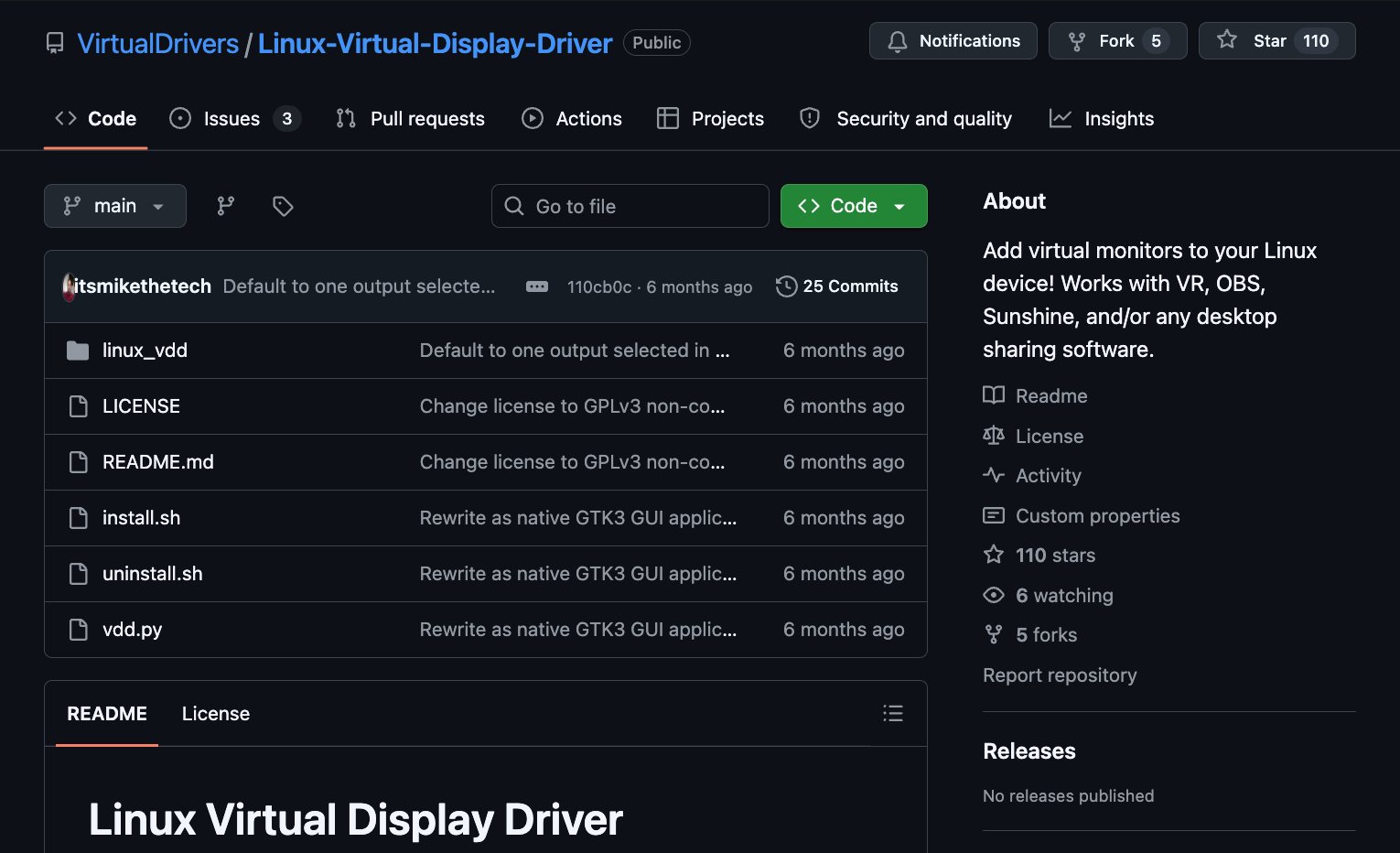
Available on GitHub
Free for personal use
VirtualDrivers for Linux
Add a monitor that isn't there.
Linux Virtual Display Driver is a small GTK3 app that creates virtual displays on X11 at any resolution and refresh rate — for VR, OBS, Sunshine and any desktop-sharing software. It works through xrandr: AMD and Intel need no setup, and NVIDIA gets a guided one-time setup.
AMD · Intel · NVIDIA
X11 / Xorg
Python + GTK3
No kernel module
How it works
Four steps, all xrandr.
Despite the name, nothing here runs in the kernel. The app finds an output your GPU driver already exposes but isn't using — VIRTUAL1, DP-2, HDMI-2 and the like — and switches it on with a video mode it works out itself. To the X server, that's one more monitor.
Compute a modeline
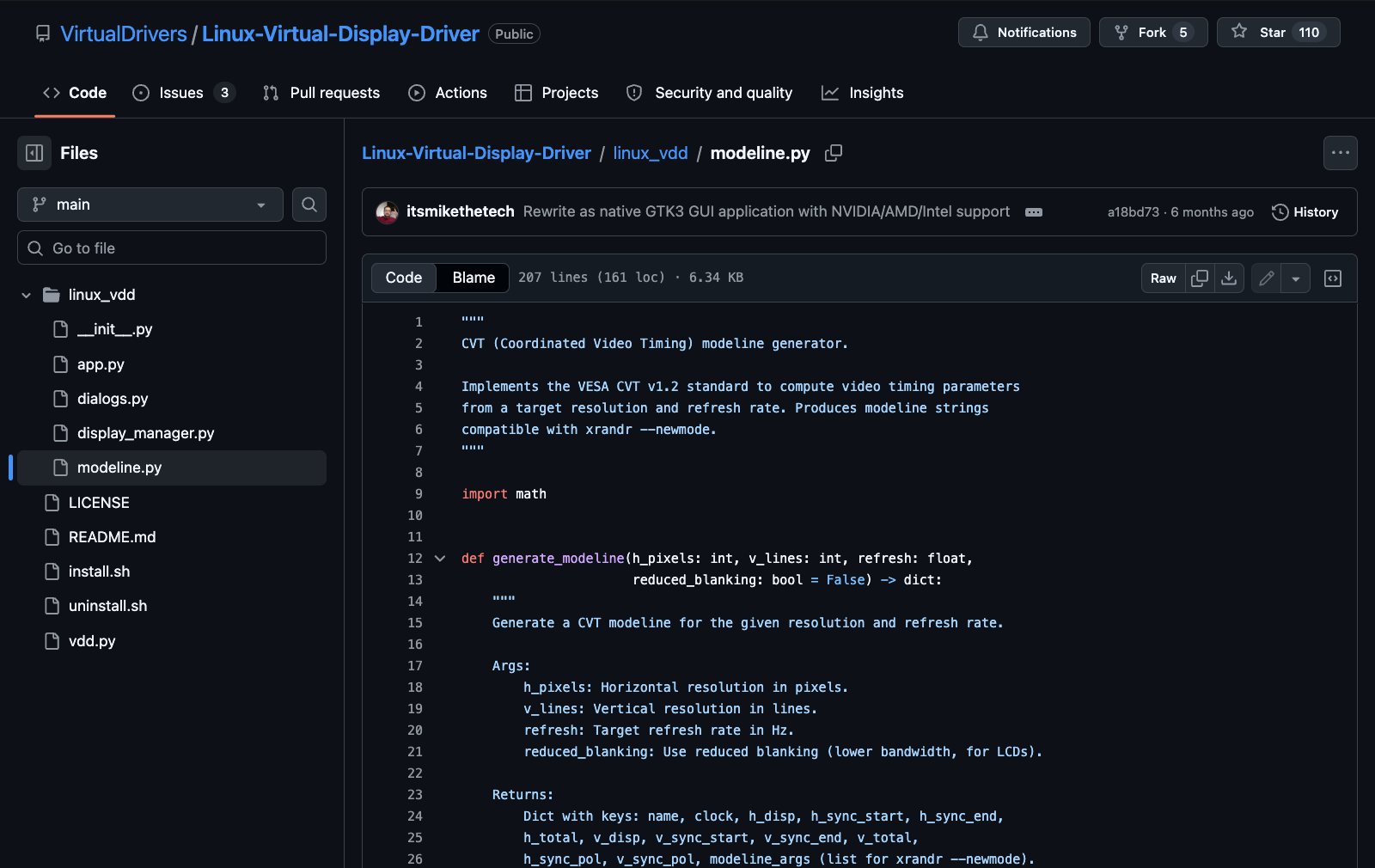
A pure-Python implementation of VESA CVT v1.2, with optional reduced blanking. No dependency on the
cvtbinary.Create the mode
xrandr --newmoderegisters the timing with the X server.Attach it to a free output
xrandr --addmodeadds the mode to a disconnected output, picked for you or chosen from a list.Switch it on, in place
xrandr --output …--mode …enables it right of, left of, above or below a monitor you already have, or mirroring it.
What actually runs
No magic. Three commands.
Ask for 2560 × 1440 at 120 Hz with reduced blanking and the app runs the three commands below. The modeline in the first one came straight out of its own CVT code: one Python file you can read on GitHub.
Removing a display reverses it: the output is turned off and the mode deleted again with --delmode and --rmmode.
# 2560 × 1440 at 120 Hz, reduced blanking, right of DP-1xrandr --newmode 2560x1440_120.06 498.0 2560 2608 2640 2720 1440 1443 1448 1525 +HSync -VSyncxrandr --addmode HDMI-2 2560x1440_120.06xrandr --output HDMI-2 --mode 2560x1440_120.06 --right-of DP-1
Output names are examples; yours come from xrandr.
In the app
Every display, one small window.
A native GTK3 window that follows your system theme. Each virtual display gets a card showing its output, resolution, refresh rate and position, with buttons to edit, disable or remove it.
Reduced blanking is one checkbox away, for high refresh rates at lower bandwidth.
Each choice maps straight onto xrandr's own --right-of, --left-of, --above, --below and --same-as.
Disable keeps a display in your list; Enable brings it back with one click.
The list is saved to ~/.config/linux-vdd/displays.json; anything that went inactive waits there for Enable.
Press Ctrl+N to add a display.
GPU support
AMD and Intel need no setup. NVIDIA takes one restart.
The app identifies your GPU vendor with lspci and takes the matching path.
| AMD | xrandr, directly. No setup; disconnected HDMI and DisplayPort outputs should appear on their own. |
|---|---|
| Intel | xrandr, directly. No setup; look for the VIRTUAL1 and VIRTUAL2 outputs. |
| NVIDIA | An Xorg config file plus xrandr: a one-time setup, then a session restart. |
| No free output? | Install xf86-video-dummy for a dummy output, or load the evdi kernel module (sudo modprobe evdi). Both are separate projects. |
NVIDIA, explained
Why NVIDIA needs a restart.
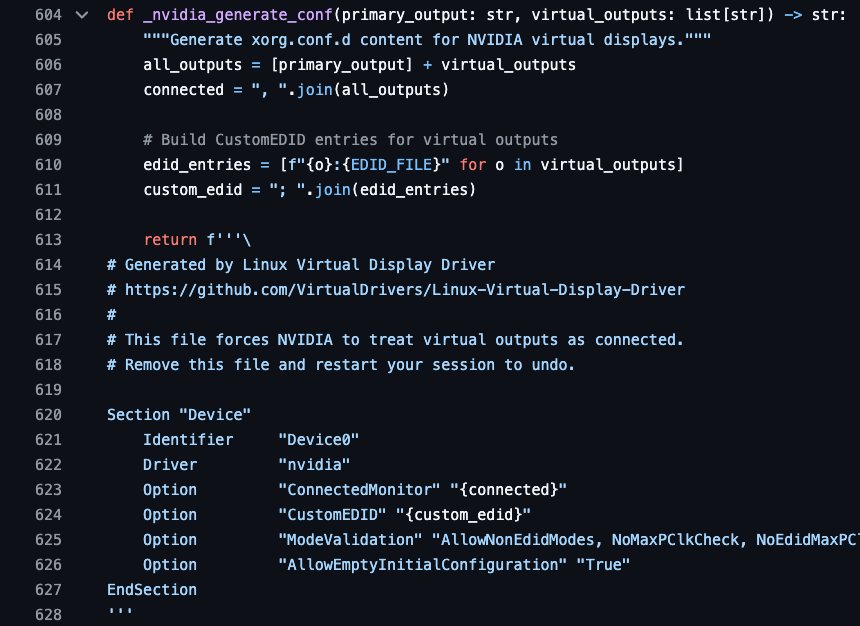
NVIDIA's proprietary driver won't add modes to a disconnected output while X is running. So the setup dialog has you pick one output per virtual display you want (for example HDMI-0), then writes a small Xorg config that tells the driver to treat those outputs as connected. It takes effect the next time you log in.
/etc/X11/xorg.conf.d/99-linux-vdd.conf: ConnectedMonitor, a CustomEDID for each virtual output, and relaxed mode validation./usr/share/linux-vdd/virtual-edid.bin: a 128-byte EDID for a monitor named “VDD Virtual”, covering 24–240 Hz up to 4K.- On systems with GDM it also writes the login screen's
monitors.xml, so the greeter stays on your real display. - Your password is asked for through
pkexec. Menu › Remove NVIDIA Config takes it all out again.
Install
Run it from the folder, or install it.
There's no packaged release yet: you run it straight from the source. The installer checks for its dependencies and installs any that are missing with apt, pacman, dnf or zypper.
| Session | Linux with an X11 (Xorg) session |
|---|---|
| Python | Python 3.10 or newer |
| GTK | PyGObject with GTK 3 |
| Tools | xrandr (x11-xserver-utils on Debian and Ubuntu) |
| Password | Only when it writes system files: the NVIDIA setup, and the login-screen layout on GDM systems |
git clone https://github.com/VirtualDrivers/Linux-Virtual-Display-Driver.git cd Linux-Virtual-Display-Driverpython3 vdd.py
chmod +x install.shsudo ./install.sh
Installs to /opt/linux-vdd, adds a linux-vdd command and an app-menu entry. sudo ./uninstall.sh removes it and keeps your saved displays.
Status — honestly
Version 1.0.0. Useful, and still young.
The project began in December 2024 as an experimental script. At the end of March 2026 it was rewritten as the native GTK3 app described here. There's no tagged release yet, and a handful of issues are open.
In version 1.0.0
- Create, edit, enable, disable and remove virtual displays through xrandr.
- A guided NVIDIA setup that writes the Xorg config and virtual EDID, and removes them again.
- Virtual outputs already listed in its NVIDIA config are picked up and shown in the list.
- On GDM systems it updates the login screen's layout, so the greeter stays on your physical display.
- A system-wide installer and uninstaller for apt, pacman, dnf and zypper systems.
Known limits
- X11 only. The app needs an Xorg session.
- No packaged release: run it from source or with
install.sh. - An open issue reports the NVIDIA setup not taking effect after logging out and back in, on Linux Mint 22.3 and Ubuntu 26.04 (#3).
- The login-screen fix covers GDM only; other display managers aren't changed.
- It needs a spare output. If your GPU driver exposes none, you'll need
xf86-video-dummyorevdi.
Bugs and questions go to the issue tracker on GitHub.
The VirtualDrivers family
Part of VirtualDrivers.
Linux VDD is the Linux member of VirtualDrivers, the GitHub organisation behind the Windows Virtual Display Driver.
Virtual Display Driver
The Windows 10/11 original: an indirect display driver that adds virtual monitors for VR, OBS, Sunshine and desktop sharing.
Virtual Drivers for macOS
The VirtualDrivers idea on the Mac, with a page of its own.
VirtualDrivers on GitHub
The organisation's public repositories, including display and audio drivers for Windows, the control and installer tools, and this Linux app.
Questions people actually ask
FAQ
Is this actually a driver?
Not in the kernel sense. The name matches its Windows sibling, but Linux VDD is a Python app that configures the X server with xrandr, plus an Xorg config file on NVIDIA. It doesn't install a kernel module. If your GPU exposes no spare output, the README points to xf86-video-dummy or the evdi kernel module, which are separate projects.
Does it work on Wayland?
It's built for X11. The requirements call for an Xorg session, and every step goes through xrandr, which manages X outputs.
Will OBS, Sunshine or my VR app see it?
That's what it's for: the README lists VR, OBS, Sunshine and any desktop-sharing software. A virtual display is an ordinary X output, so it shows up alongside your other monitors.
Why do I have to log out on NVIDIA?
NVIDIA's proprietary driver won't add modes to a disconnected output at runtime. The setup writes an Xorg config telling the driver to treat your chosen outputs as connected, and Xorg only reads that when your session starts. After that, new virtual displays appear straight away.
How do I undo everything?
Remove All Displays in the menu turns off and removes every virtual display in the app's list. On NVIDIA, Remove NVIDIA Config deletes the Xorg file and the EDID; restart your session afterwards. sudo ./uninstall.sh removes the app, and your saved list stays in ~/.config/linux-vdd/ until you delete it.
Is it free?
For personal, educational and non-commercial use, yes, under GPLv3. Commercial use (in a product, a paid service or a business deployment) needs a separate licence from the copyright holder; ask through VirtualDrivers on GitHub. The LICENSE has the details.
Is there a Windows or Mac version?
Windows has the original Virtual Display Driver. For the Mac, Virtual Drivers for macOS is coming soon. Linux VDD itself runs on Linux only.
Get it
Clone it, run it, add a display.
Free for personal use. You need an X11 session, Python, GTK 3 and xrandr, and most desktop Linux distributions already have them.
git clone https://github.com/VirtualDrivers/Linux-Virtual-Display-Driver.git