macOS
Notarized previewA universal build for Apple silicon and Intel Macs.
- Downloads DMG · ZIP
- Needs Screen Recording permission
- Target macOS 13 or later
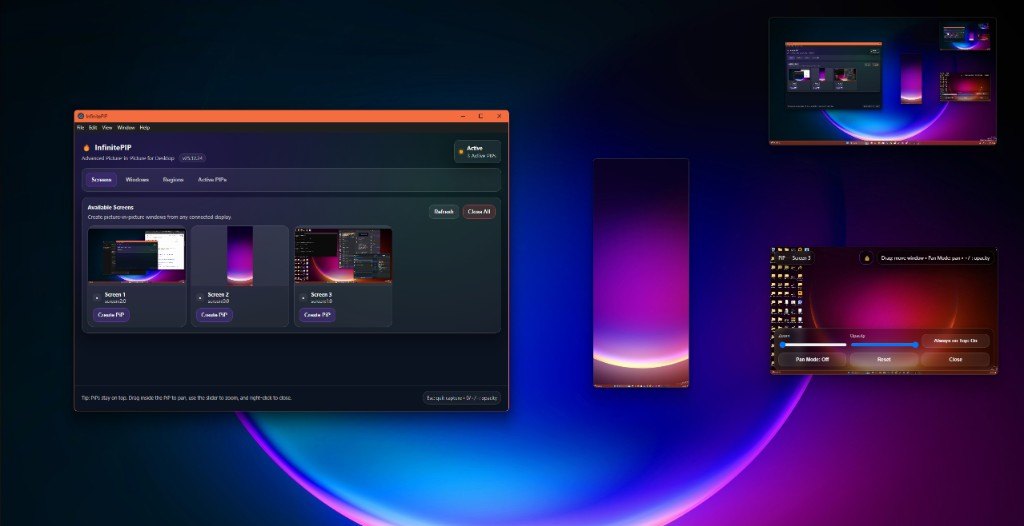
Create always-on-top, borderless PiP windows from monitors, application windows, or a custom screen region — with a modern desktop UI.
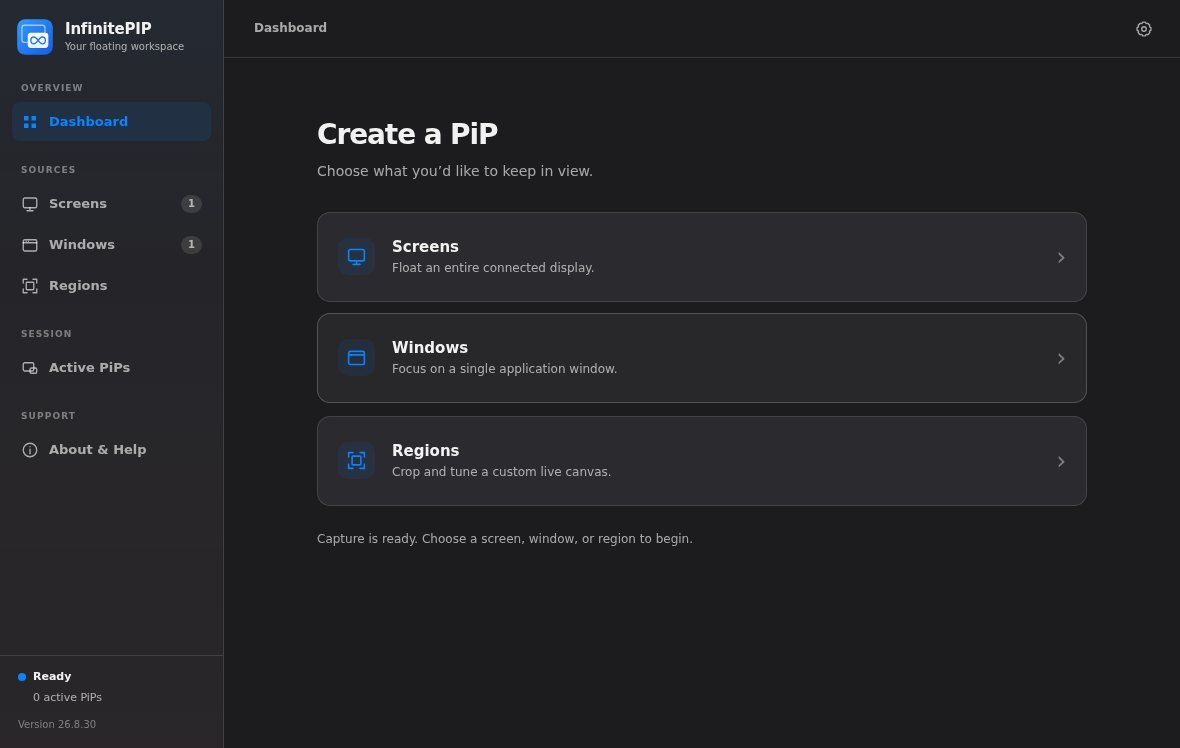
Version 26.8.30 is a cross-platform preview: one shared interface with light and dark themes, and a build for each desktop. Every download is on the itch.io page, and you name your own price.
A universal build for Apple silicon and Intel Macs.
x64 for Intel and AMD PCs, ARM64 for Windows on ARM.
x86_64/amd64 and ARM64 builds.
InfinitePIP is an advanced desktop PiP tool with a modern interface. Capture stays on your machine.
Select a Screen, Window or Region source with thumbnails, search, and grid or list views.
Open a borderless, always-on-top PiP window streaming that source.
Control opacity, zoom, pan (drag), aspect ratio and frame rate (15, 30 or 60 fps), and toggle always-on-top.
Set an exact x, y, width and height or pick a crop preset, and preview the crop live before you open it.
Open more than one PiP, then focus, adjust or close each one on its own from Active PiPs.
Let mouse clicks pass through a PiP to the window underneath. Restore clicks or Show in the main app brings control back.
No account, analytics, telemetry, cloud relay or built-in updater. Captured frames stay on your device.
The current app is built on Electron. The original Python release is deprecated.
The source code is licensed under MIT, though the repository isn’t public. Prebuilt downloads are donationware on itch.io.
Captured from the app itself, not mocked up.
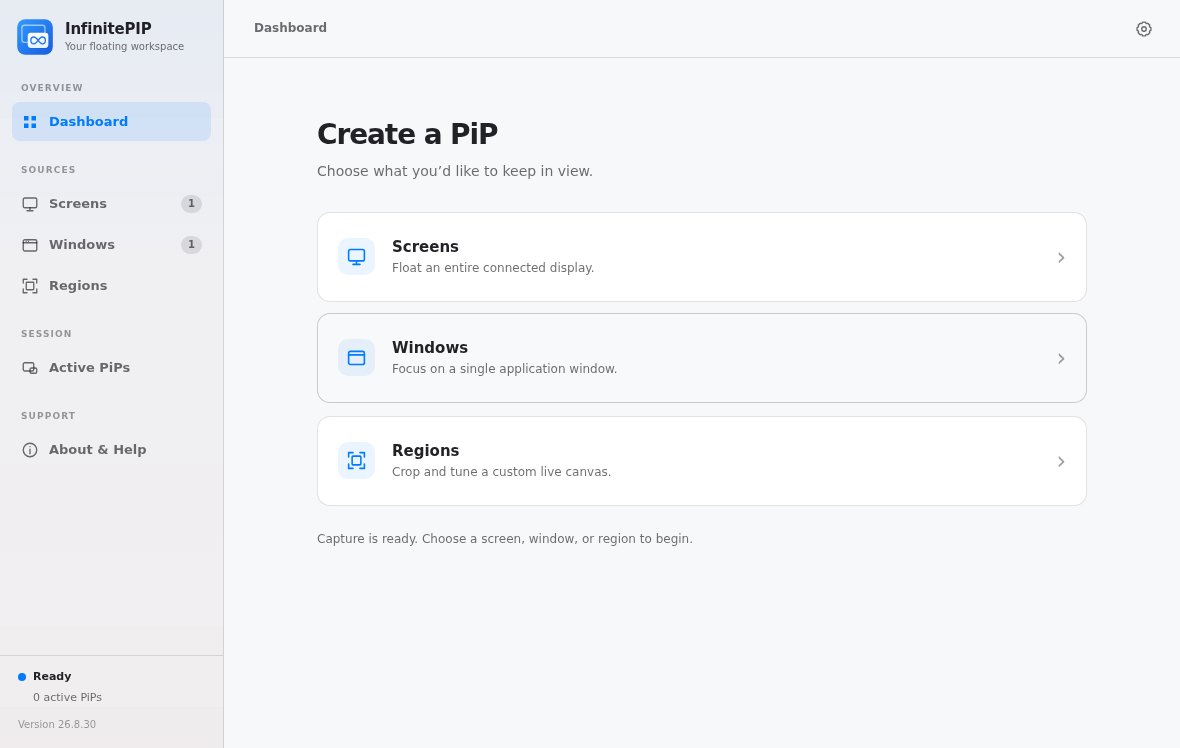
The redesigned, cross-platform release.
The HWND/AutoHotkey command-line workflow from the older Windows releases isn’t implemented in the redesigned preview. If you depend on it, keep using a legacy build. They’re still on the itch.io page:
Capture uses Electron’s desktopCapturer to find sources, then Chromium’s getDisplayMedia, answered by a scoped request handler that only hands over the source you picked.
Requirement: Node.js 22.12 or newer.
npm ci
npm run devnpm run check runs the syntax, release-metadata and test gate.
Windows (x64 and ARM64, installer or portable), macOS (one universal build for Apple silicon and Intel Macs) and Linux (x86_64/amd64 and ARM64, as an AppImage or .deb). Version 26.8.30 is labeled a preview on every platform.
You name your own price on itch.io. You can download it for free, or leave a donation.
macOS won’t show screen or window previews until you allow it. Choose Allow Access, turn InfinitePIP on under System Settings → Privacy & Security → Screen Recording, then relaunch the app if macOS asks.
No. Captured frames are drawn into local PiP windows. InfinitePIP doesn’t upload, record or keep them. There’s no account, analytics, telemetry, cloud sync or update checker. It stores a small preferences file with your interface and capture defaults.
Some applications and protected media block desktop capture on purpose. On Linux Wayland, which sources you can share and how floating windows behave depend on your compositor. X11 with a compositing window manager comes closest to how it behaves on Windows and macOS.
It lets mouse clicks pass through a PiP to the window underneath, not to the captured source. The PiP’s controls hide while it’s on. Use Restore clicks or Show in the main app to get them back. New PiPs always start with click-through off.
Yes, as long as the operating system exposes the virtual display as a normal capture source. On Windows, pair InfinitePIP with our Virtual Display Driver.
The macOS builds are notarized by Apple. The 26.8.30 Windows builds are unsigned previews, and the itch.io page labels them that way.
Download for Windows, macOS or Linux on itch.io. It’s donationware, so you name your own price.