A bottle is Wine's private little Windows — a prefix holding one app's drive C, settings and runtime. Get bottles right and most Wine pain disappears. Here's how Bourbon runs them.
Getting a Windows game running under Wine means picking a runtime, picking a renderer, and applying whatever tweaks that particular game needs. Multiply that by a whole Steam library and congratulations, you have a new hobby.
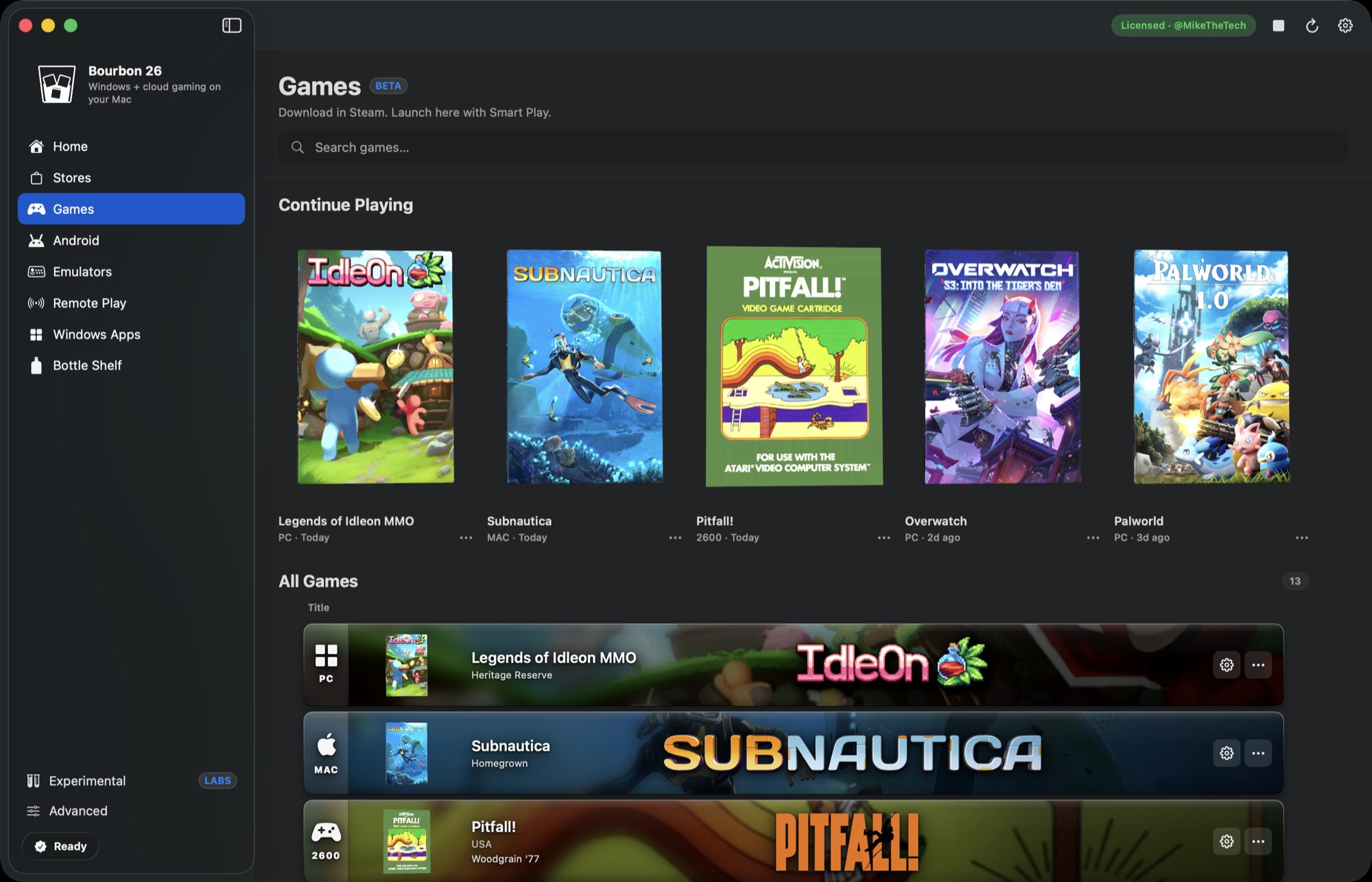
The Bottle Shelf is how Bourbon 26 removes that job. No other Mac tool does this part for you.
The Bottle Shelf turns those choices into named presets. Each bottle is a tested combination, and Smart Play assigns one per game automatically.
The bottles
| Bottle | Stack | What it runs |
|---|---|---|
| Homegrown | Native macOS | Mac native Steam games, no Wine at all |
| Old Reliable | DXVK, 90 Proof | Most DirectX 9 to 11 and Vulkan games |
| Heritage Reserve | WineD3D, Aged | Source engine and older DirectX 9 games |
| Double Barrel | VKD3D, 120 | Modern DirectX 12 games |
| Cask Strength Metal | DXMT, Full Proof | DirectX 11 games that hate DXVK |
| Orchard Reserve | D3DMetal, GPTK | DirectX 11 and 12 through Apple's toolkit |
| Small Batch '10 | Native DXGI | Legacy DirectX 10 titles |
| Single Malt | DXVK, Neat | Non Steam and installer based games |
| Blended Toolworks | CrossOver, 32 bit | Fragile 32 bit Windows tools |
Why the weird ones exist
Most games land on Old Reliable or Homegrown. The interesting ones are the rest.
Homegrown saves the most time of any of them. If a game has a Mac build, running it through Wine is just worse, so Smart Play routes it to the real macOS Steam client instead. Our compatibility database currently lists over 24,000 titles where that applies.
Blended Toolworks exists because Wine Staging and CrossOver source Wine are good at different things. Fragile 32 bit Windows tools, and the Neverwinter Nights Aurora Toolset is the classic example, behave way better on the CrossOver build in its own prefix. Bourbon installs both runtimes during setup exactly so this bottle can exist.
Heritage Reserve catches the games modern renderers handle badly. Source engine titles and older DirectX 9 games often want WineD3D, which looks slower on paper and is simply more reliable in practice.
Overriding it
Smart Play's pick is a default, not a verdict. Every game's settings let you pour a different bottle, and titles with a Steam listed Mac build keep a one click Wine fallback in case the native version has some problem the Windows one doesn't.
Why it matters
Per game configuration is the part of Mac gaming that eats weekends, and no other tool on the Mac does it for you. CrossOver gives you bottles to configure yourself. Whisky gave you one and stopped being maintained. Bourbon ships nine tested presets and assigns them automatically, which is the difference between a library that launches and a project.
Buy Bourbon 26, $29.99 Browse bottles by game