Steam runs natively on macOS. The real question is which of your games do — and what to do about the ones that don't. Here's the breakdown.
Yes. Steam has a proper macOS client and thousands of games run on it with zero extra software, and Bourbon 26 picks up everything that doesn't. What confuses people is that Steam shows your whole library no matter what platform it's for, so a game you definitely own will sometimes just refuse to install and not tell you why.
Your library splits three ways
1. Games with a Mac build
These just work. Install Steam for macOS, hit download, play. Full speed, nothing translated, nothing to configure. It's also the biggest group by a mile, with over 24,000 titles in our database being native Mac builds.
2. Windows only, no kernel anti-cheat
These need Bourbon. Steam itself has to run inside a Windows environment and the game runs inside that, which Bourbon sets up for you in one pass instead of the afternoon it takes by other routes.
3. Windows only with kernel anti-cheat
These won't run locally on a Mac under any tool. Bourbon streams them instead, from the same app, so they still end up playable.
How to tell which is which
On the Steam store page, look at the little platform icons next to the price. An Apple logo means there's a Mac build. In your library, a game without one simply won't give you an Install button on macOS.
Easier still, search our compatibility list, which tags every title with the runtime Bourbon assigns it, including the ones that need streaming instead and why.
Sort that list by popularity and the pattern jumps out. Terraria, Rust, Stardew Valley, Cyberpunk 2077 and Baldur's Gate 3 all have Mac builds. PUBG, Rainbow Six Siege, Apex Legends and Destiny 2 are all blocked by anti-cheat. Bourbon reads that database for you and picks the right route per game, so you never have to check manually.
Getting the Windows only ones running
For that middle group you need Steam running inside a Windows compatibility environment. By hand that means installing Wine, making a prefix, installing Steam into it, adding DirectX translation, and then working around the way the current Steam client renders under Wine, which needs a specific UI shim to look right.
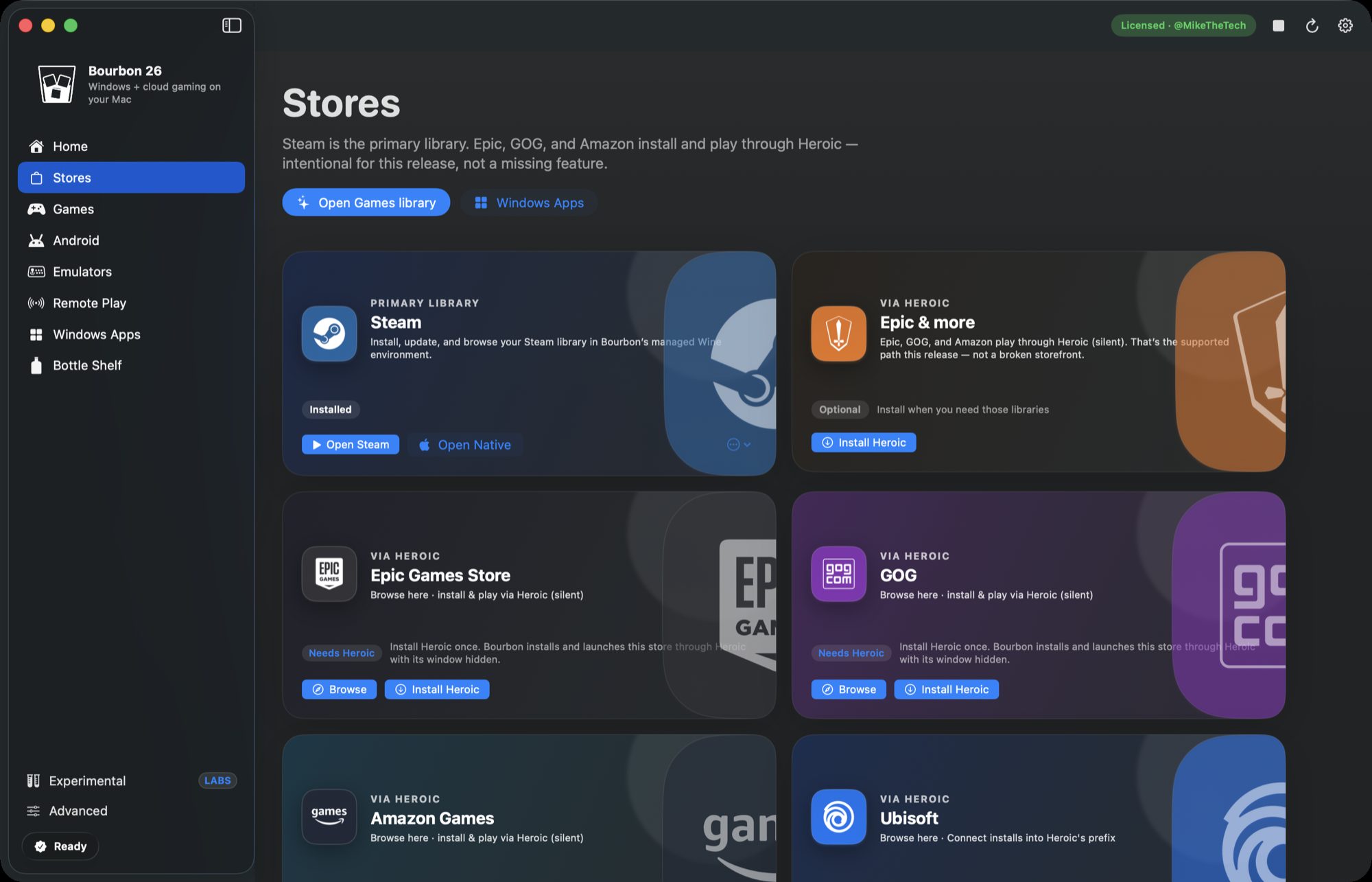
Bourbon 26 does all of that during setup. Steam is one of the fourteen components it installs, and the shim goes on automatically. You sign into your own Steam account and download your own games, so nothing about who owns what changes.
Do my saves and achievements still work?
Yep. You're signing into the real Steam client, so Cloud saves, achievements and playtime all behave normally. Steamworks games authenticate the way they always do, because it really is Steam.
Short answer
Most Steam games run on a Mac with no help at all, so check for that Apple icon first. For the Windows only ones without anti-cheat, Bourbon 26 gets Steam running inside a working Wine setup for $29.99, once.
Check your library Buy Bourbon 26