Game Porting Toolkit is Apple's translation technology for running Windows games on Apple Silicon — built for developers evaluating ports, not for players. Here's what it does, and how to use its power without the Terminal.
Apple's Game Porting Toolkit does something pretty remarkable. D3DMetal translates DirectX 11 and 12 calls straight to Metal without going through Vulkan first. Fewer layers, less overhead. For some games it's the fastest path available on a Mac.
It's also not a consumer product, and Apple has never claimed it was. That gap between the technology and the player is exactly where Bourbon 26 sits.
What GPTK actually is
GPTK exists so studios can evaluate how much work porting their game to macOS would be. It's an evaluation environment. Using it means Terminal commands, Homebrew, and building a Wine prefix by hand. No interface, no library, no per game configuration, no support when a title misbehaves, because you're not who it's for.
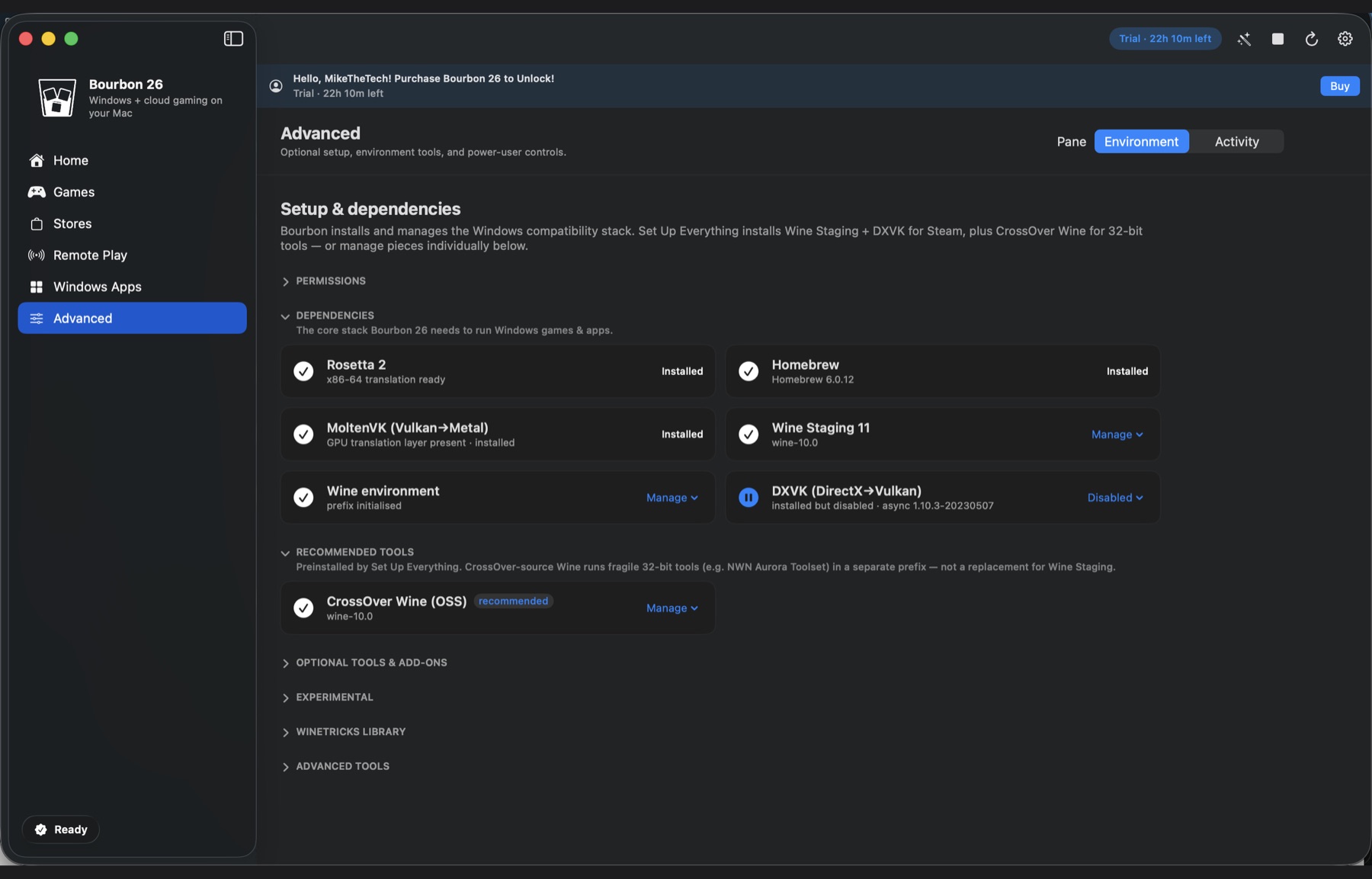
Bourbon doesn't compete with GPTK. It installs it. Game Porting Toolkit 3 is step nine of Bourbon's fourteen step setup, and D3DMetal is available as a per game renderer on the Bottle Shelf.
Bourbon installs it for you
That's the honest framing here. GPTK is a component, not a rival. Bourbon tracks the gcenx/wine/game-porting-toolkit Homebrew cask, installs it during setup, and gives it its own update action so it can be refreshed without touching anything else.
It handles the newer beta too. Apple's GPTK 4 evaluation environment ships its payload inside a nested disk image, and Bourbon can open Apple's download page and import that DMG for you. It stays marked experimental, because Apple expects newer beta tooling for the full Metal 4 workflow and GPTK 3 is still the supported default.
| GPTK on its own | Bourbon 26 | |
|---|---|---|
| Price | Free | $29.99 once |
| Terminal required | Yes | No |
| Installs Steam | No | Yes |
| D3DMetal available | Yes | Yes, it installs GPTK |
| Other renderers | D3DMetal only | DXVK, VKD3D, DXMT, WineD3D |
| Per game presets | No | Smart Play |
| Who it's for | Game developers | Players |
Why more than one renderer matters
D3DMetal is excellent for some games and wrong for others. Real examples from Bourbon's own recipe data: the AIL eAPP business client flags D3DMetal and DXVK as known bad and needs WineD3D instead. Source engine and older DirectX 9 games often want WineD3D too. Modern DirectX 12 titles frequently do better on VKD3D.
A GPTK only setup has one answer for every question. Bourbon's Bottle Shelf keeps five and Smart Play picks between them per title.
So why not just use GPTK?
Because it isn't a way to play games, it's a way to test them. There's no library, no Steam, no per game configuration, and only one renderer, so every title that doesn't suit D3DMetal has no fallback.
Bourbon includes GPTK and adds the other four renderers, Steam, Smart Play, and Remote Play for anything that can't be translated at all. Same Apple technology underneath, with the parts a player actually needs built around it.
Bottom line
Not a rivalry. GPTK is one of the graphics paths Bourbon installs and manages alongside DXVK, VKD3D, DXMT and WineD3D. Use GPTK directly if the Terminal is where you're happiest. Buy Bourbon if you'd rather it were already set up.
Buy Bourbon 26, $29.99