Easy to use
Simple UI designed for novice users. Drag files in, or add them from the dashboard.
Share files online with public links in a few clicks, hosted from your own Mac or Windows PC. Pick a managed BurnBin link, a Cloudflare Tunnel fallback or Direct IP, and see when your files are downloaded.
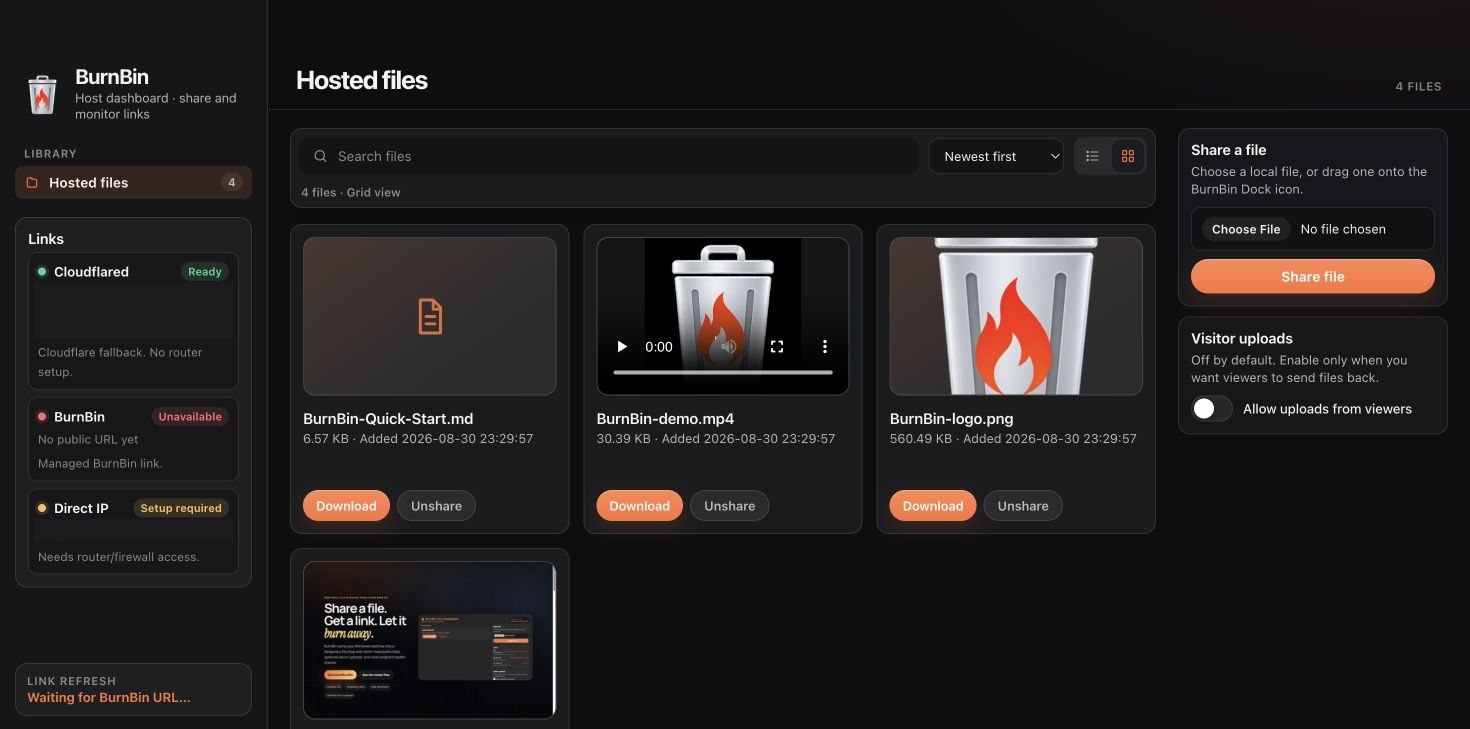
A beginner-friendly app with powerful sharing behind the scenes.
Simple UI designed for novice users. Drag files in, or add them from the dashboard.
Automatically creates public URLs: a managed BurnBin link, with Cloudflare Tunnel as the fallback.
See when files are accessed and downloaded.
Share as many files as you want, each with a unique URL.
BurnBin links and the Cloudflare Tunnel fallback use HTTPS. Direct IP links are plain HTTP.
An Apple-silicon macOS app and a portable Windows x64 build share one backend, interface and feature set.
Image thumbnails, full-width previews and video playback, in the host app and on the public page.
Search, sort, and switch between a list and a media-forward grid.
Visitor uploads are off by default. Turn them on only when you want someone to send a file back.
BurnBin lists every public route it can offer, with a status light on each, so you send the one that works right now.
A managed short URL through BurnBin’s shared server. It rotates automatically (every six hours by default) and the old route is removed.
A free, secure fallback that needs no router changes. BurnBin shows when the tunnel is still propagating, before the link becomes clickable.
The fastest route when you have router and firewall access. BurnBin attempts setup when it can, and shows the route in yellow while that access is still needed.
Captured from the app and its public share page, not mocked up.
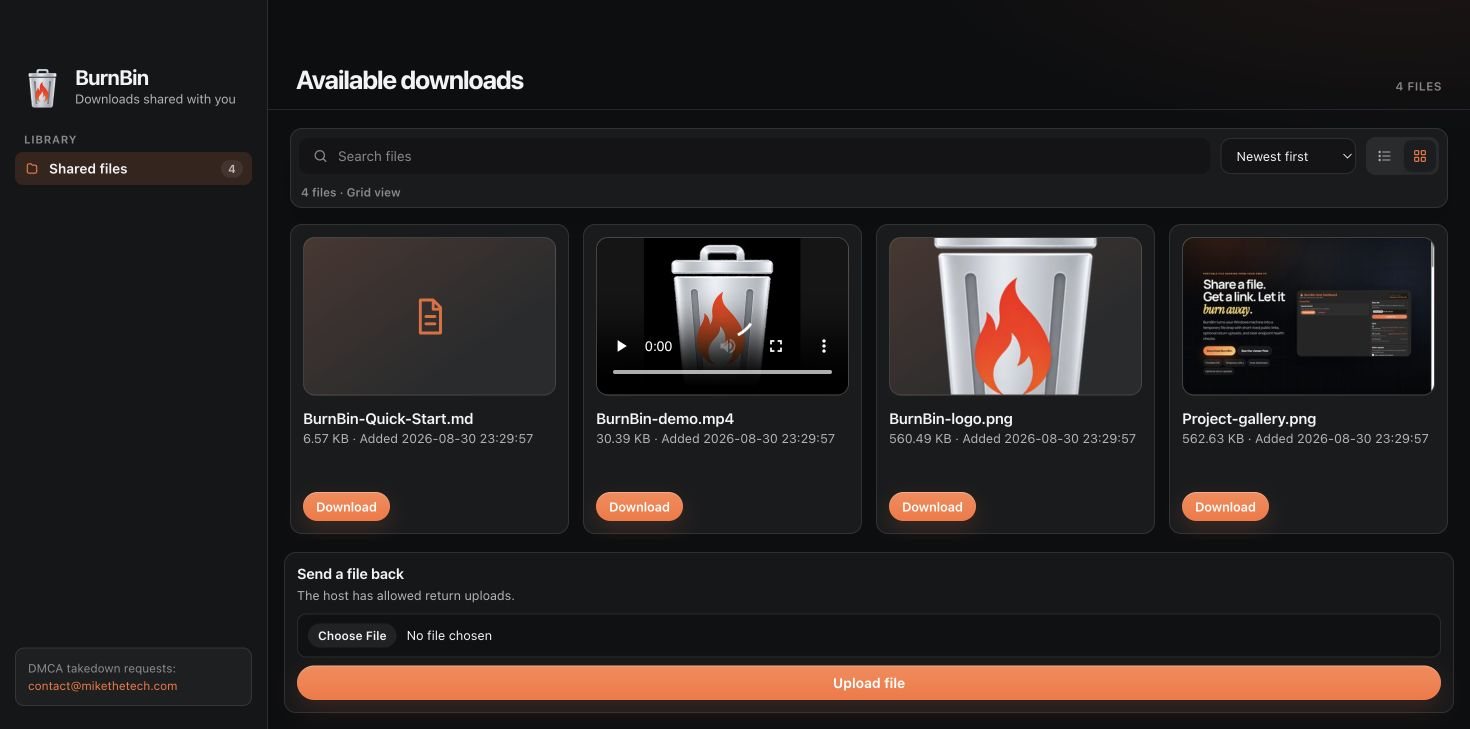
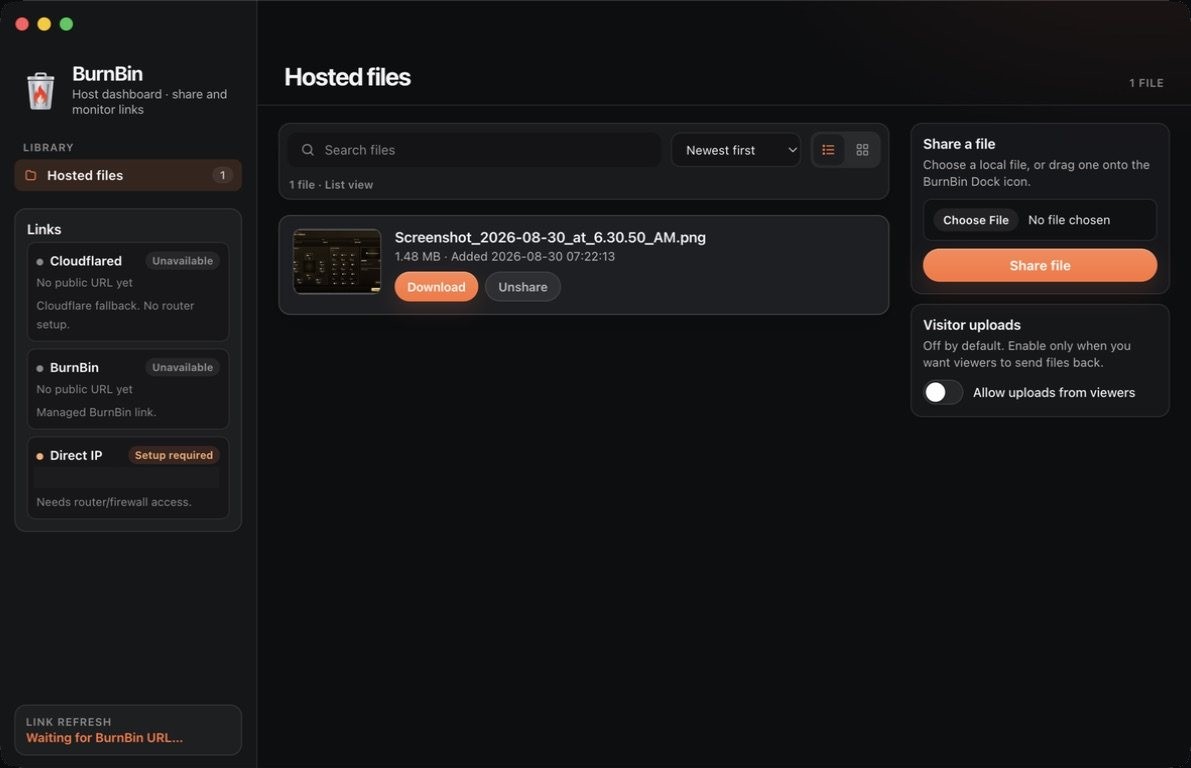
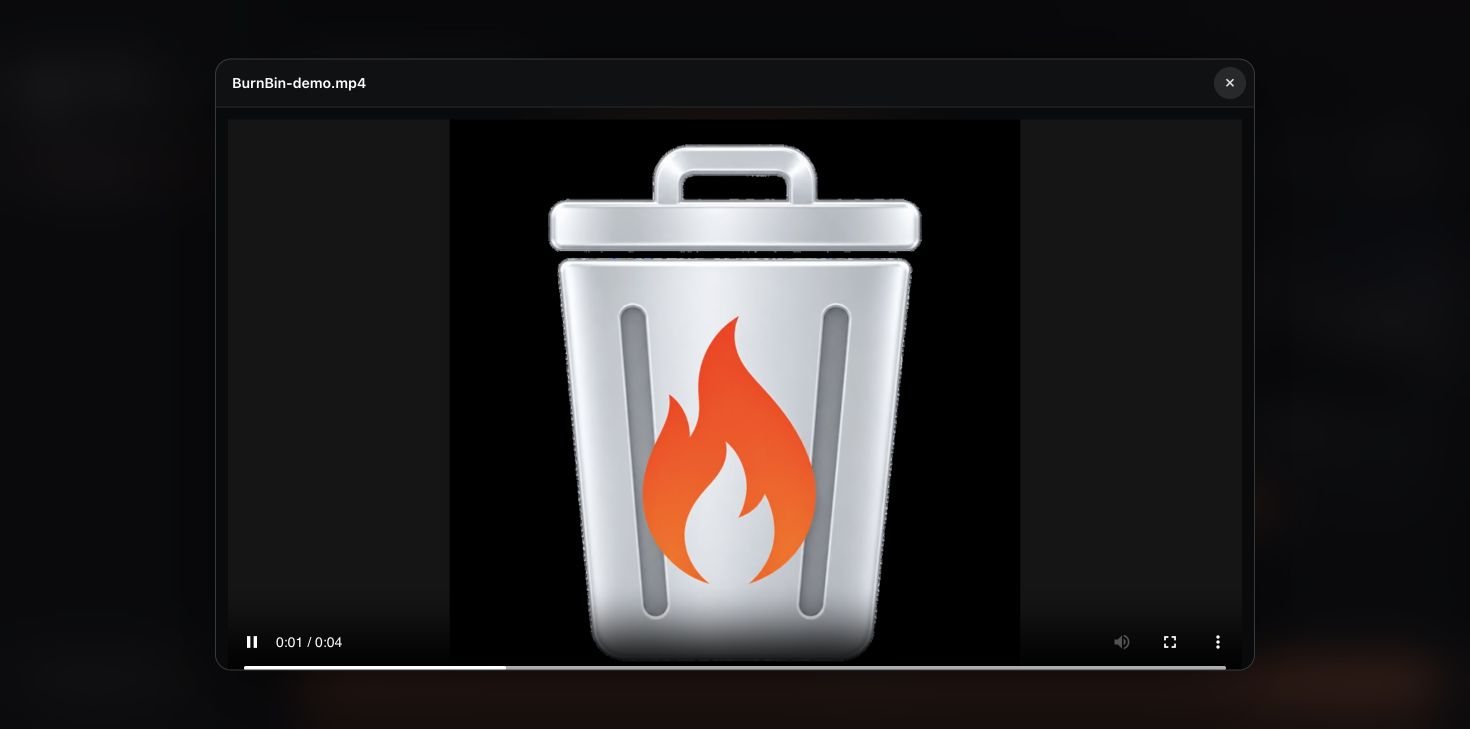
Both apps use the same backend, interface and features. Download either one on itch.io and name your own price.
Version 26.8.31.1 for Apple silicon: Developer ID signed, notarized by Apple, stapled and Gatekeeper verified.
Version 26.8.30.13, with the same dark/orange interface, media previews and endpoint health states, plus Windows tunnel startup fixes.
Earlier Windows releases (26.5.16 and 25.12.9) stay on the itch.io page. There’s no packaged Linux build.
5000 (or another free port if 5000 is taken).Packaged builds include their runtimes and a pinned cloudflared, so there’s nothing else to install.
Building from source needs Python 3.12+, Node.js and npm, and cloudflared. The source repository isn’t public, so most people should use the packaged builds.
python -m pip install -r requirements.txt
npm install
python main.pywindows\run-source.bat, or build a portable release with windows\build.bat. On macOS, build with npm run build:mac.
BurnBin uses a dual-license model: MIT for source, separate terms for official distributed binaries.
macOS on Apple silicon (a notarized build) and Windows 10/11 x64 (a portable build). There’s no packaged Linux build.
You name your own price on itch.io, and you can download it without paying. Donations are appreciated but not required.
On your own computer. BurnBin serves them straight from your Mac or PC while it’s running and doesn’t move them into a cloud drive.
The managed BurnBin URL rotates (every six hours by default) and the old route is removed, so the previous link stops working. Unsharing a file, or closing BurnBin, stops it from being served at all.
Not for the managed BurnBin link or the Cloudflared fallback. Direct IP is the only route that may need router or firewall access, and BurnBin shows it in yellow until it’s ready.
Only if you allow it. Visitor uploads are off by default. Switch on Allow uploads from viewers when you want a file returned, and the public page shows a Send a file back form.
burnb.in is BurnBin’s website, with the download link and guides on temporary file sharing. The managed BurnBin links the app creates run through BurnBin’s shared server.